制作目标
展示同一个透明口播人物如何叠加到剪辑时间线、软件教程和 OBS 直播场景。
制作目标
展示同一个透明口播人物如何叠加到剪辑时间线、软件教程和 OBS 直播场景。
目标用户
面向美国市场的视频剪辑师、教程创作者、直播制作人员和创意团队
剪辑与直播界面应使用原创或已取得授权的录屏素材。
成片英文旁白
“Create your presenter once, then place the same performance anywhere your story needs it. AI Videoly can export the presenter with a transparent background, ready to layer over product footage, tutorials, slides, or livestream scenes. Choose MOV for an editing-friendly ProRes 4444 file, or WebM for compatible browser and streaming workflows. In your editor, resize the presenter, move it away from important content, and add your own graphics underneath. One transparent render gives you a reusable presenter layer for multiple layouts and publishing formats.”
中文页面保留英文原稿,因为此案例用于验证美国市场。生成前可按真实品牌名称、功能和行动指引替换。
分镜脚本
画面
左右对比:棋盘格透明预览与最终合成画面
制作说明
开场立即展示透明效果和实际成片。
画面
James 叠加到生成的产品数据看板
制作说明
展示人物如何位于产品内容上方。
画面
James 叠加到生成的软件教程
制作说明
避免遮挡表单控件。
画面
MOV 与 WebM 透明导出选项
制作说明
说明剪辑和网页直播分别适合的格式。
画面
剪辑时间线与可复用人物图层
制作说明
说明缩放、定位和在人物下方添加图形。
画面
并排展示3种最终布局
制作说明
以一个透明图层可复用到多种画面收尾。
成片素材
其他案例
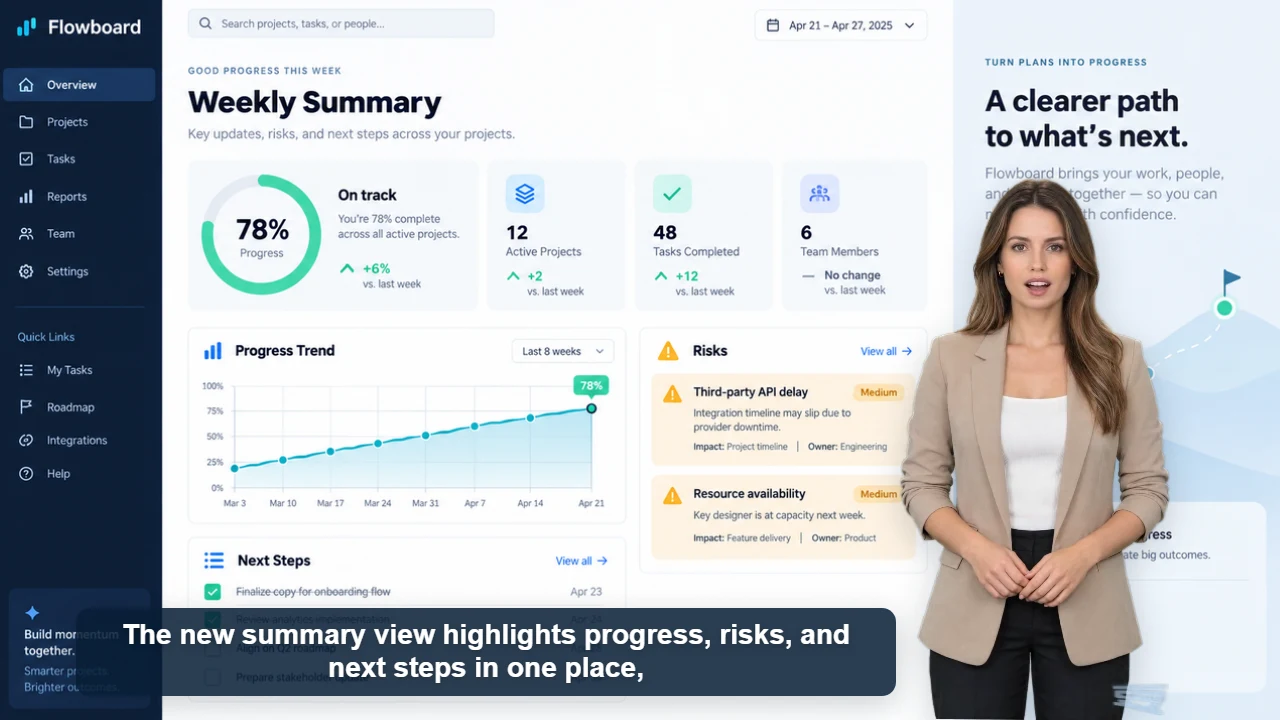
已发布案例
34 秒 · 16:9 · 美式英语女声
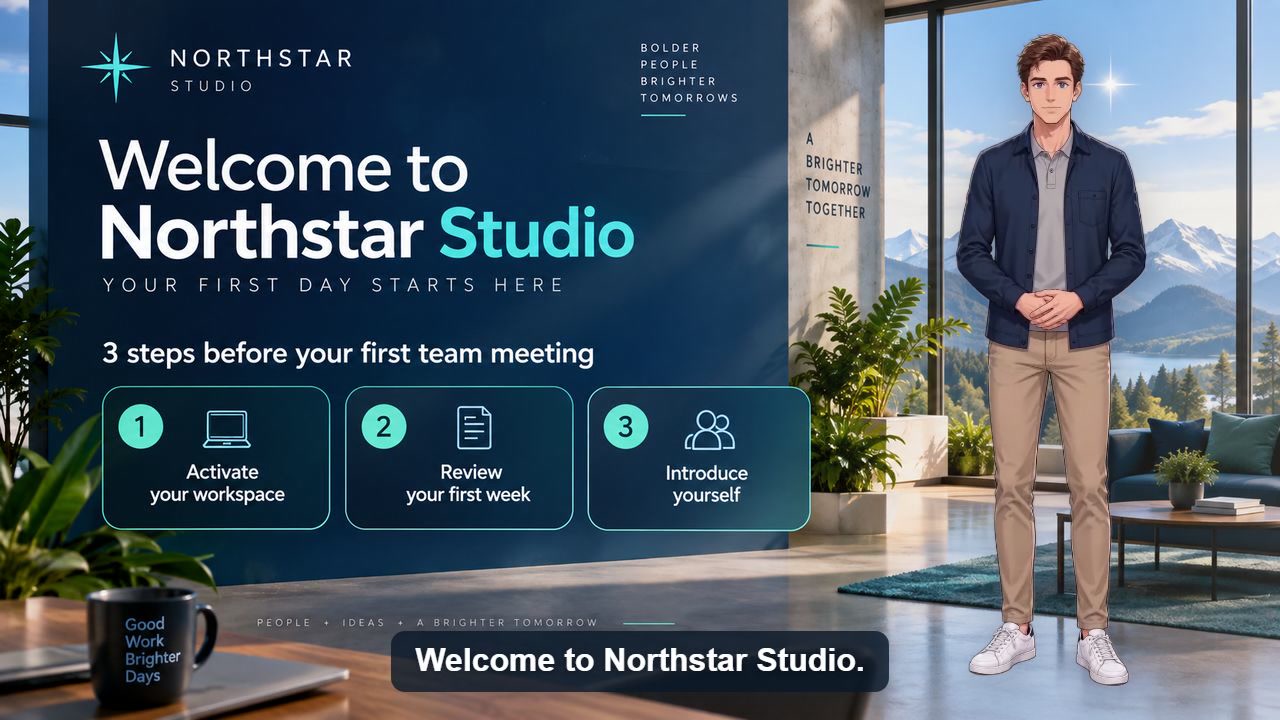
已发布案例
40 秒 · 16:9 · 美式英语男声
原创人物 · 免费商用
原创与免费商用声明
AI Videoly 网站中的人物形象均为原创设计。从本站生成并下载的视频人物支持免费商用。