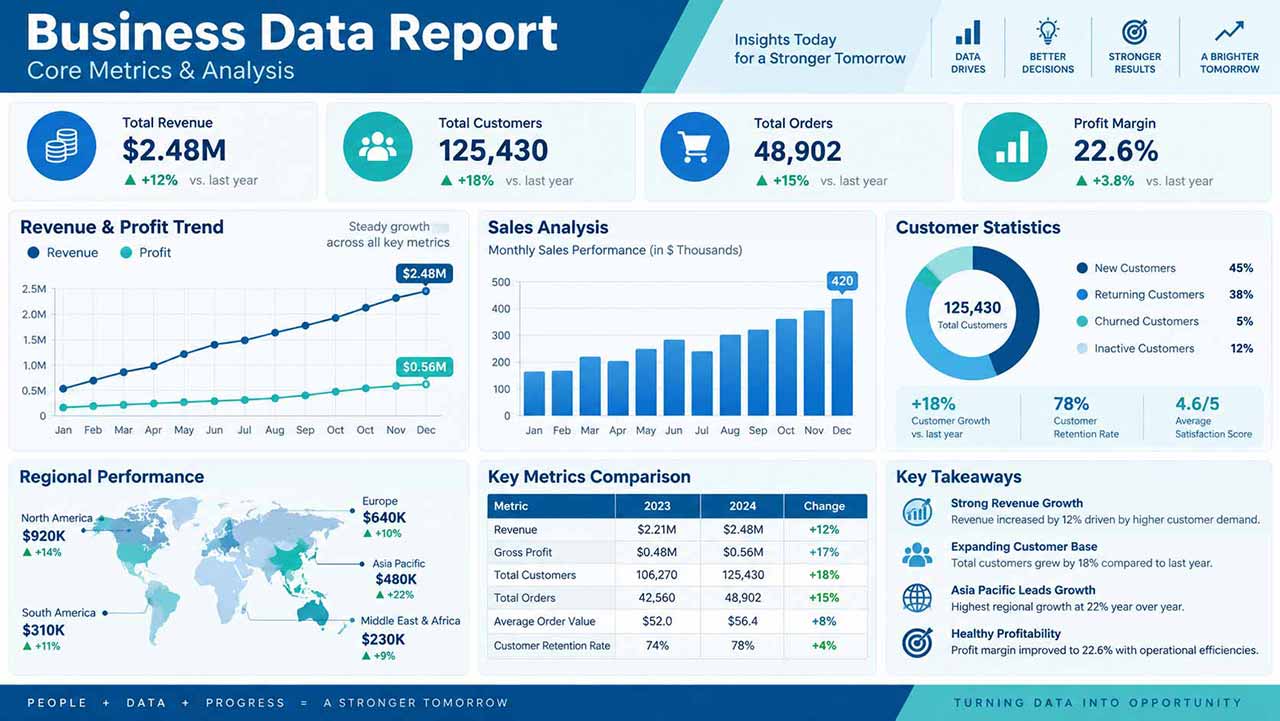

Reuse this presenter template to keep the same face, hairstyle, and outfit across videos, then update the script, voice, and background for each episode.
Template guide
Create an AI presenter video with Realistic Business Presenter - Claire
Use Realistic Business Presenter - Claire for Presenter and Business. Add AI voice, lip sync, captions, custom backgrounds, and flexible layouts. This template is designed for creators and teams producing recurring presenter, explainer, and social videos. Add a script and combine AI voice, synchronized lip movement, automatic captions, and a custom image or video background in one downloadable presenter video.
How to get a better result
- 1Open with the outcome for the viewer, then develop the message in short sections.
- 2Keep one idea per sentence and use punctuation to control voice and caption pacing.
- 3Choose 9:16, 16:9, or 1:1 for the publishing platform and position the presenter in the preview.
- 4Preview the voice and background contrast so the presenter, captions, and main visual remain clear.
Example script for this template
Welcome to this month’s company update. Our teams welcomed twelve new colleagues, expanded partnerships with eight clients, and completed key milestones across several strategic projects. Customer response remains positive, and early results show steady progress in our priority markets. Thank you for the focus and collaboration behind these achievements. Let’s carry this momentum into the month ahead.
Replace this text in the generator while keeping the current presenter and layout.