Reuse this presenter template to keep the same face, hairstyle, and outfit across videos, then update the script, voice, and background for each episode.
Template guide
Create an AI presenter video with Education Presenter - Emma
Use Education Presenter - Emma for Presenter and Education. Add AI voice, lip sync, captions, custom backgrounds, and flexible layouts. This template is designed for creators and teams producing recurring presenter, explainer, and social videos. Add a script and combine AI voice, synchronized lip movement, automatic captions, and a custom image or video background in one downloadable presenter video.
How to get a better result
- 1Open with the outcome for the viewer, then develop the message in short sections.
- 2Keep one idea per sentence and use punctuation to control voice and caption pacing.
- 3Choose 9:16, 16:9, or 1:1 for the publishing platform and position the presenter in the preview.
- 4Preview the voice and background contrast so the presenter, captions, and main visual remain clear.
Example script for this template
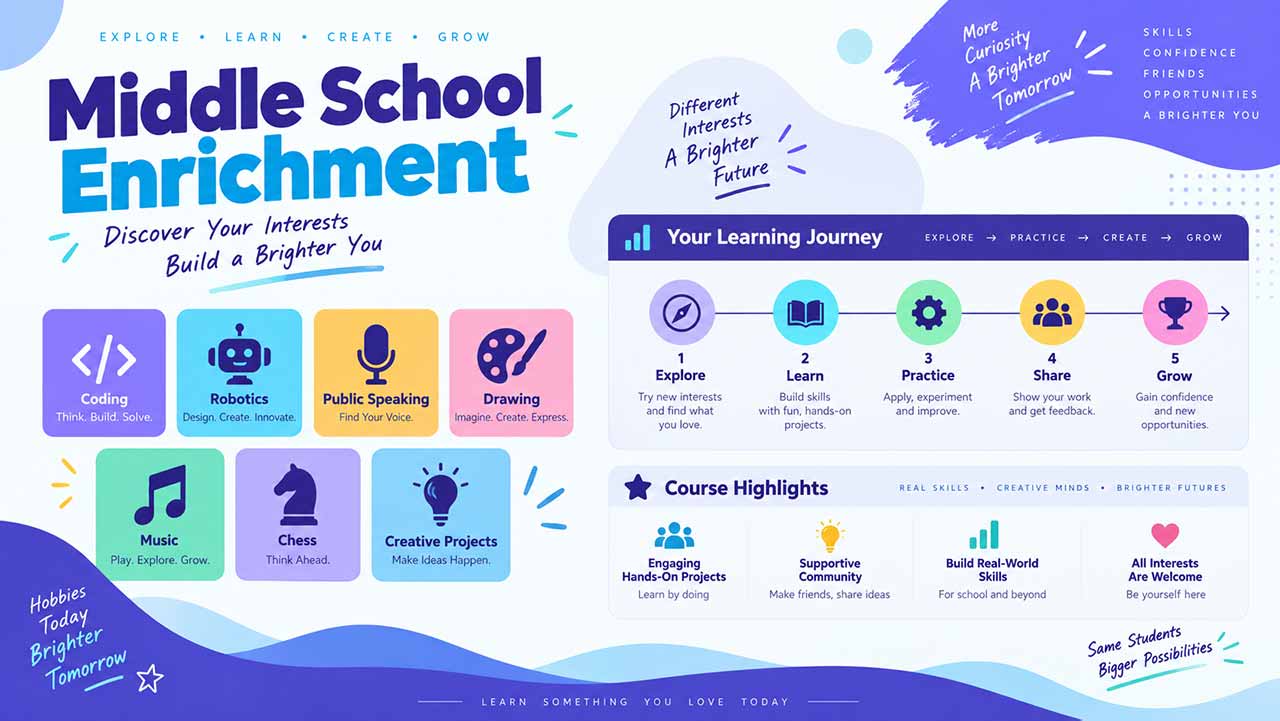
Every student has interests waiting to be discovered. Our enrichment program brings together coding, robotics, public speaking, and art so learners can experiment, create, and grow with supportive guidance. Along the way, students will strengthen communication, teamwork, and creative thinking. Explore the available courses, follow your curiosity, and choose a learning journey that feels exciting and meaningful.
Replace this text in the generator while keeping the current presenter and layout.