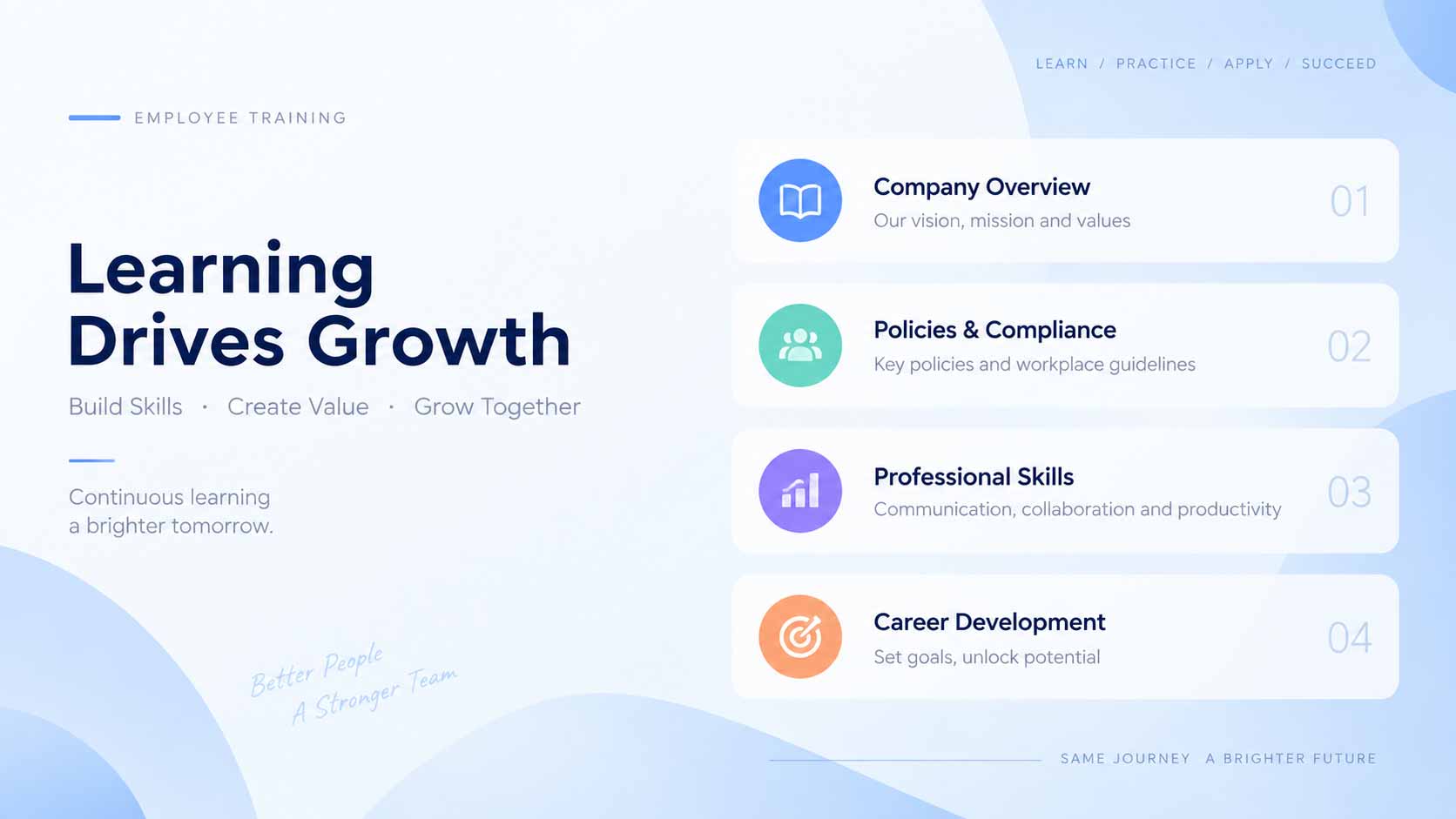
Reuse this presenter template to keep the same face, hairstyle, and outfit across videos, then update the script, voice, and background for each episode.
Template guide
Create an AI presenter video with Corporate Training Presenter - Ethan
Hello everyone! This sample video is designed to demonstrate the visual style, layout, and presentation quality of this template. You can easily customize the text, voice, presenter, and background to match your content. Whether you are creating business presentations, educational videos, product introductions, or social media content, this template helps you produce a polished and professional video quickly and effortlessly. This template is designed for creators and teams producing recurring presenter, explainer, and social videos. Add a script and combine AI voice, synchronized lip movement, automatic captions, and a custom image or video background in one downloadable presenter video.
How to get a better result
- 1Open with the outcome for the viewer, then develop the message in short sections.
- 2Keep one idea per sentence and use punctuation to control voice and caption pacing.
- 3Choose 9:16, 16:9, or 1:1 for the publishing platform and position the presenter in the preview.
- 4Preview the voice and background contrast so the presenter, captions, and main visual remain clear.
Example script for this template
Welcome to our employee development program. Today we’ll review three priorities for building stronger teams: understanding our company goals, following key workplace policies, and creating a personal growth plan. Please take notes as we walk through each section, and remember that consistent learning helps us serve customers better, collaborate more effectively, and grow together as an organization.
Replace this text in the generator while keeping the current presenter and layout.