Social presenter videos

Create AI Presenter Videos for Social Media

Produce repeatable presenter clips for TikTok, Reels, Shorts, and social feeds with vertical layouts, captions, and fast script updates.

Included in every generation

  • 60+ AI voices
  • Synchronized lip movement and captions
  • Custom image or video backgrounds
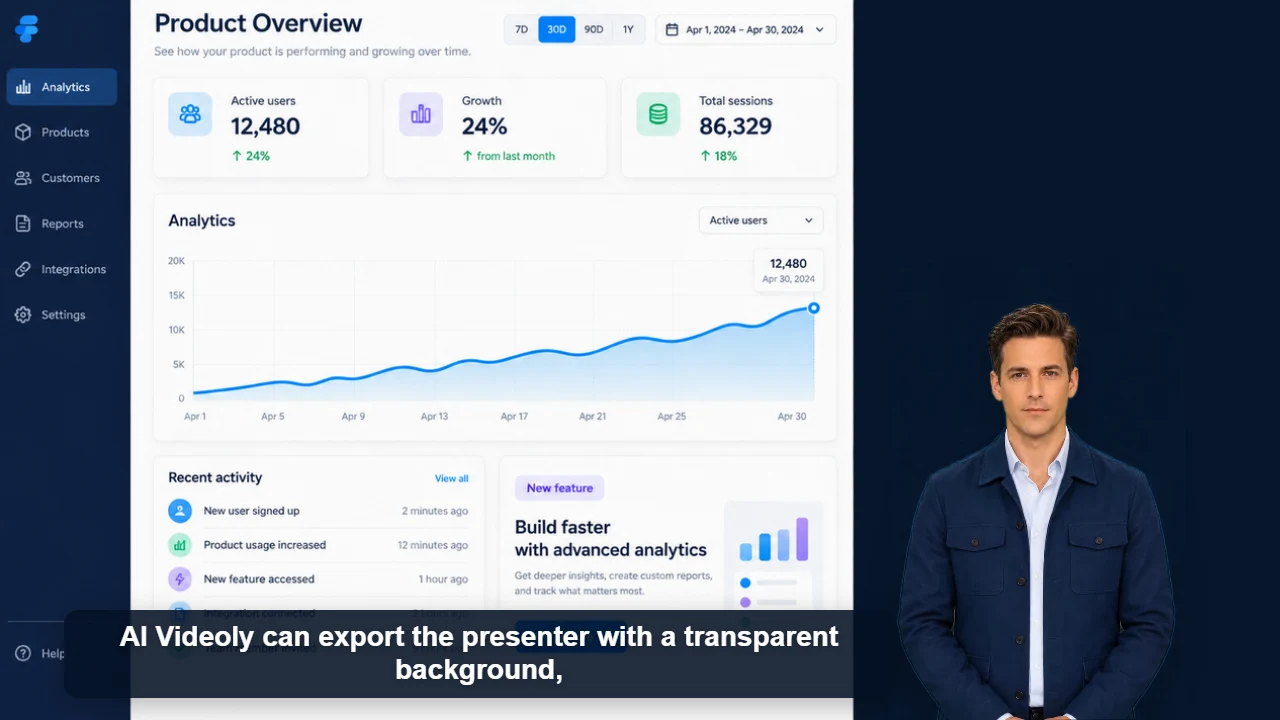
  • Movable and resizable presenters
  • Short clips and multi-minute content

Social video needs an immediate reason to keep watching. Start with a specific promise, question, or result, then use the presenter to guide viewers through a short explanation. A consistent character and voice can make recurring content recognizable without requiring the creator to appear on camera every time.

Vertical-first layout

Use 9:16 and position the presenter around titles, product visuals, screenshots, or background footage.

Captions included

Automatic captions support sound-off viewing and make the spoken hook easier to scan.

Build a repeatable series

Keep the same presenter and format while changing the topic, script, and background for each post.

Workflow

Create the video in four steps

1

Write the hook first

Give viewers a concrete reason to stay in the opening sentence.

2

Deliver one main idea

Remove background information that does not support the promised result.

3

Use visual proof

Add a product image, example, screen recording, or supporting clip behind the presenter.

4

Close clearly

End with a useful takeaway or one relevant call to action.

Content you can create

TikTok explainers
Instagram Reels
YouTube Shorts
Product hooks
News summaries
Recurring content series

Frequently asked questions

Does AI Videoly support vertical video?

Yes. Choose 9:16 for vertical social platforms and adjust the presenter size and position in the preview.

Can I add my own background clip?

Yes. Upload a compatible image or video and compose it with the presenter before export.

Can I make videos without appearing on camera?

Yes. Choose an original AI Videoly presenter and generate the spoken performance from your script and selected AI voice.