Production goal
Demonstrate the same transparent presenter layer over an editor timeline, a tutorial recording, and an OBS scene.
Transparent presenter
Watch James demonstrate a transparent AI presenter in a 39-second video, then reuse the script, WebM workflow, male US voice, and six-scene plan.
Loads the script, presenter template and aspect ratio. Background assets, voice settings and edited scenes are not loaded automatically; prepare them using the production details below.
Production goal
Demonstrate the same transparent presenter layer over an editor timeline, a tutorial recording, and an OBS scene.
Intended audience
US video editors, tutorial creators, livestream producers, and creative teams
The editor and livestream screens should use original or properly licensed interface footage.
Final voiceover
“Create your presenter once, then place the same performance anywhere your story needs it. AI Videoly can export the presenter with a transparent background, ready to layer over product footage, tutorials, slides, or livestream scenes. Choose MOV for an editing-friendly ProRes 4444 file, or WebM for compatible browser and streaming workflows. In your editor, resize the presenter, move it away from important content, and add your own graphics underneath. One transparent render gives you a reusable presenter layer for multiple layouts and publishing formats.”
Replace the fictional brand, interface details, and final call to action before producing a real customer-facing version.
Scene plan
Visual
Split view: checkerboard transparency and final composition
Direction
Show transparency and the finished result immediately.
Visual
James over a generated product dashboard
Direction
Demonstrate how the presenter sits above product content.
Visual
James over a generated software tutorial
Direction
Keep the form controls unobstructed.
Visual
MOV and WebM transparent export choices
Direction
Show which format fits editing or streaming.
Visual
Editor timeline and reusable presenter layer
Direction
Explain resizing, positioning, and adding graphics underneath.
Visual
Three finished layouts side by side
Direction
End on the benefit of one reusable transparent layer.
Production assets
More examples
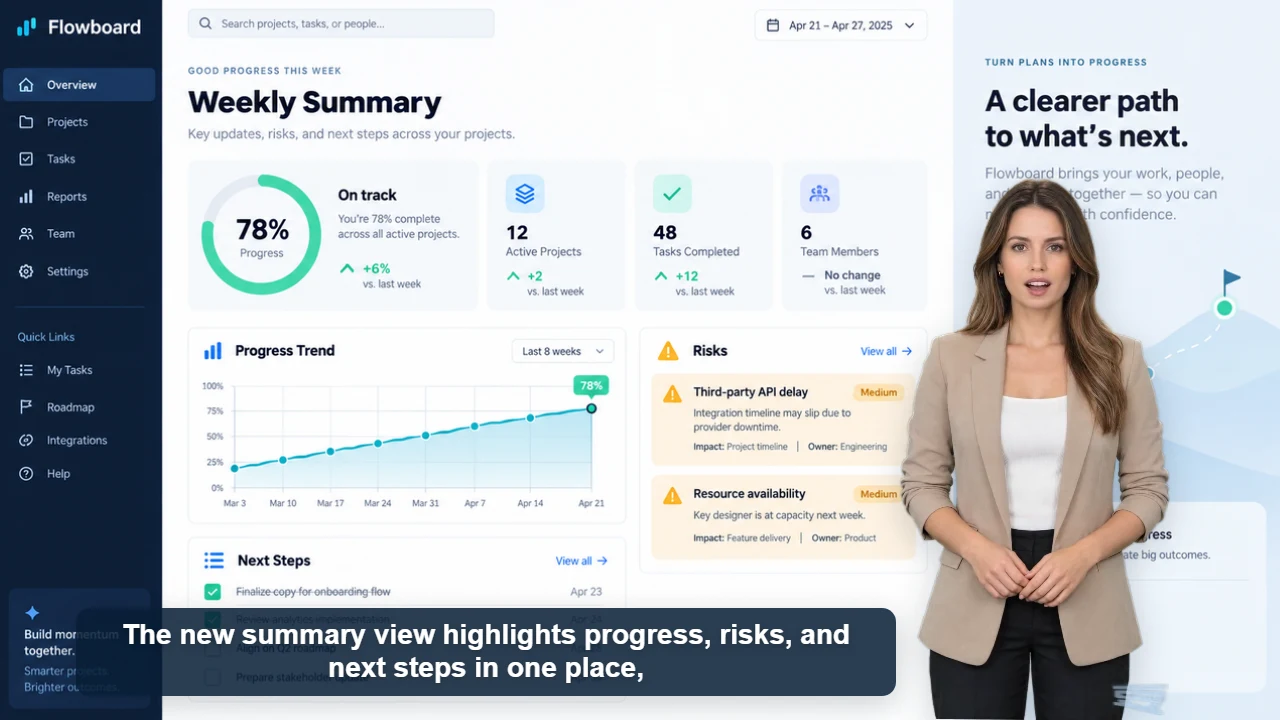
Published example
34 sec · 16:9 · US English female voice
Watch Claire explain Flowboard's weekly reporting workflow with five original product screens, clear captions, and one focused call to action.
Watch video and view script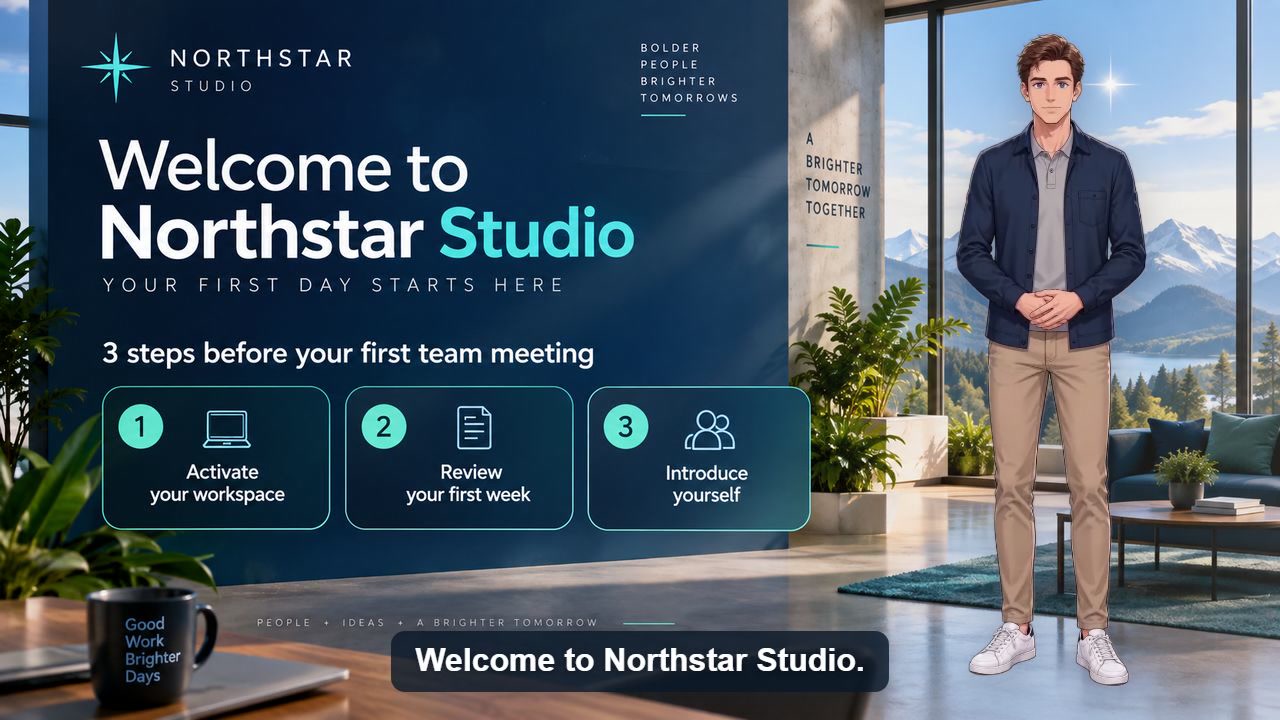
Published example
40 sec · 16:9 · US English male voice
Watch a reusable first-day onboarding video covering account activation, the first-week checklist, team introductions, and employee help.
Watch video and view scriptOriginal characters · Free commercial use
Originality and commercial-use statement
All character images on AI Videoly are original designs. Characters featured in videos generated and downloaded from this website are free for commercial use.