Production goal
Help a new employee complete three concrete first-day actions without turning orientation into a long policy lecture.
Employee onboarding
Watch a 40-second Northstar Studio employee onboarding video, then reuse its English script, five-scene plan, male US voice, and presenter template.
Loads the script, presenter template and aspect ratio. Background assets, voice settings and edited scenes are not loaded automatically; prepare them using the production details below.
Production goal
Help a new employee complete three concrete first-day actions without turning orientation into a long policy lecture.
Intended audience
People operations, learning and development, and distributed US teams
Northstar Studio is a fictional company created for this finished example.
Final voiceover
“Welcome to Northstar Studio. Before your first team meeting, complete these three steps. First, open the welcome email and activate your workspace account. Next, visit the team hub and review your first-week checklist, including the people you will meet and the tools you will use. Finally, post a short introduction in the welcome channel so teammates know your role, location, and the work you are excited to begin. If anything is missing, use the help link in the team hub to contact People Operations. Once these steps are complete, you are ready for your first-day kickoff. We are glad you are here.”
Replace the fictional brand, interface details, and final call to action before producing a real customer-facing version.
Scene plan
Visual
Northstar Studio welcome screen
Direction
Introduce the company and promise three clear steps.
Visual
Account activation screen
Direction
Highlight the activation button and successful sign-in state.
Visual
First-week checklist in the Team Hub
Direction
Reveal meetings and tools one section at a time.
Visual
Welcome-channel introduction example
Direction
Show a short, privacy-safe example message.
Visual
Help Center and final action
Direction
Show the People Operations help path and finish with the first-day checklist call to action.
Production assets
More examples
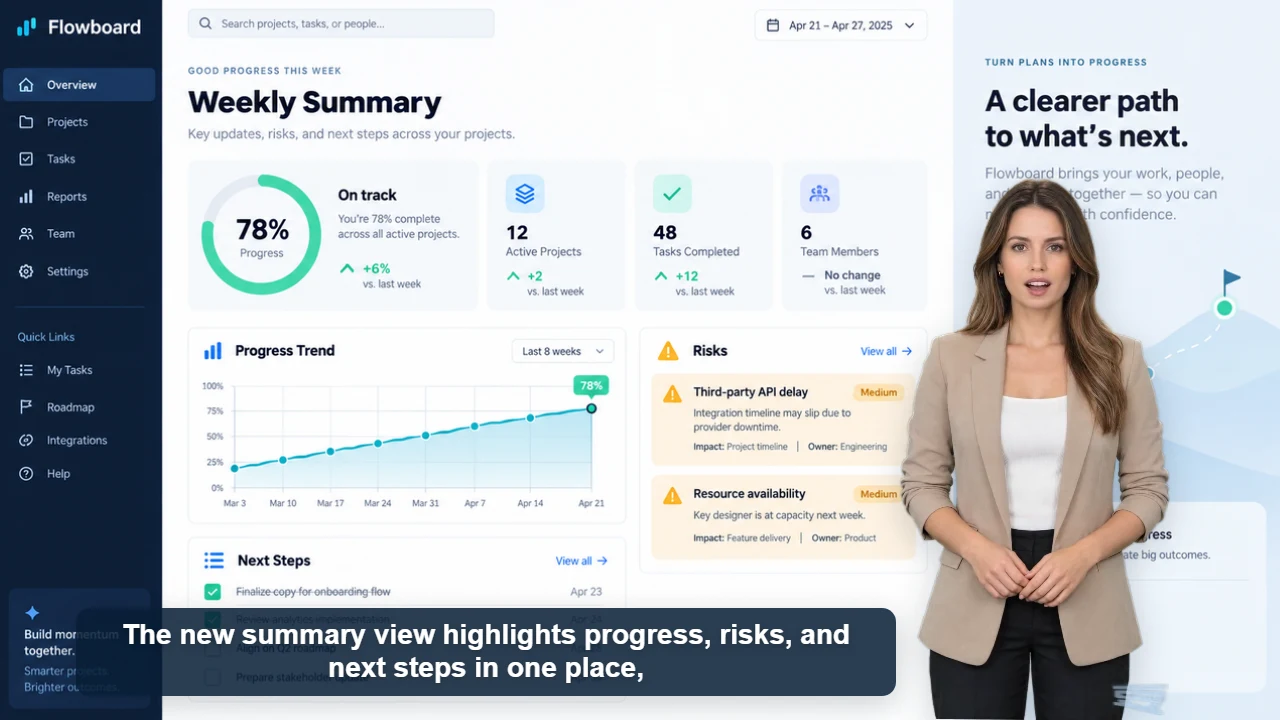
Published example
34 sec · 16:9 · US English female voice
Watch Claire explain Flowboard's weekly reporting workflow with five original product screens, clear captions, and one focused call to action.
Watch video and view script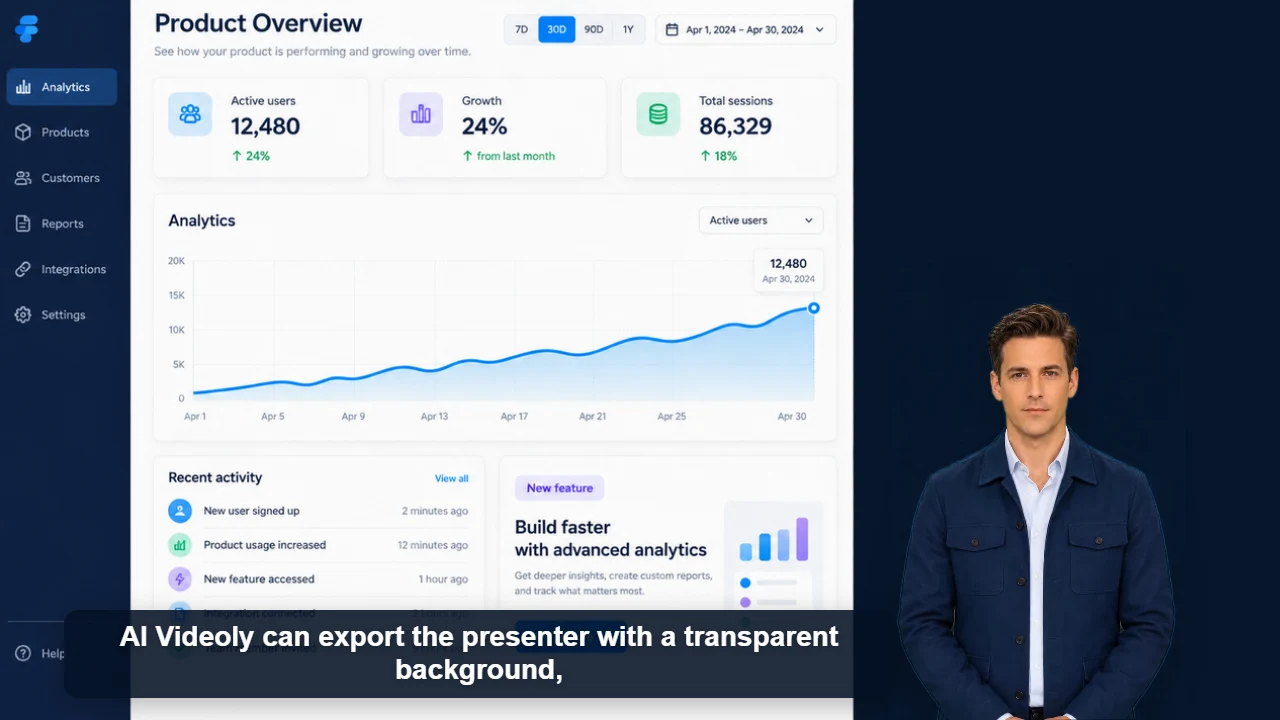
Published example
39 sec · 16:9 · US English male voice
Watch James demonstrate a reusable transparent presenter layer across product demos, tutorials, editing timelines, and livestream layouts.
Watch video and view scriptOriginal characters · Free commercial use
Originality and commercial-use statement
All character images on AI Videoly are original designs. Characters featured in videos generated and downloaded from this website are free for commercial use.