
Corporate Training Presenter - Iris
24s | 16:9
Template library
Watch an employee onboarding example and adapt software lesson or process handoff scripts. Choose an AI presenter template and add your own training visuals.
Use the featured AI presenter3 scene templates · 5 available AI presenters
Template covers use a lightweight first-frame preview.
24s | 16:9

24s | 16:9

23s | 16:9
Original characters · Free commercial use
Originality and commercial-use statement
All character images on AI Videoly are original designs. Characters featured in videos generated and downloaded from this website are free for commercial use.
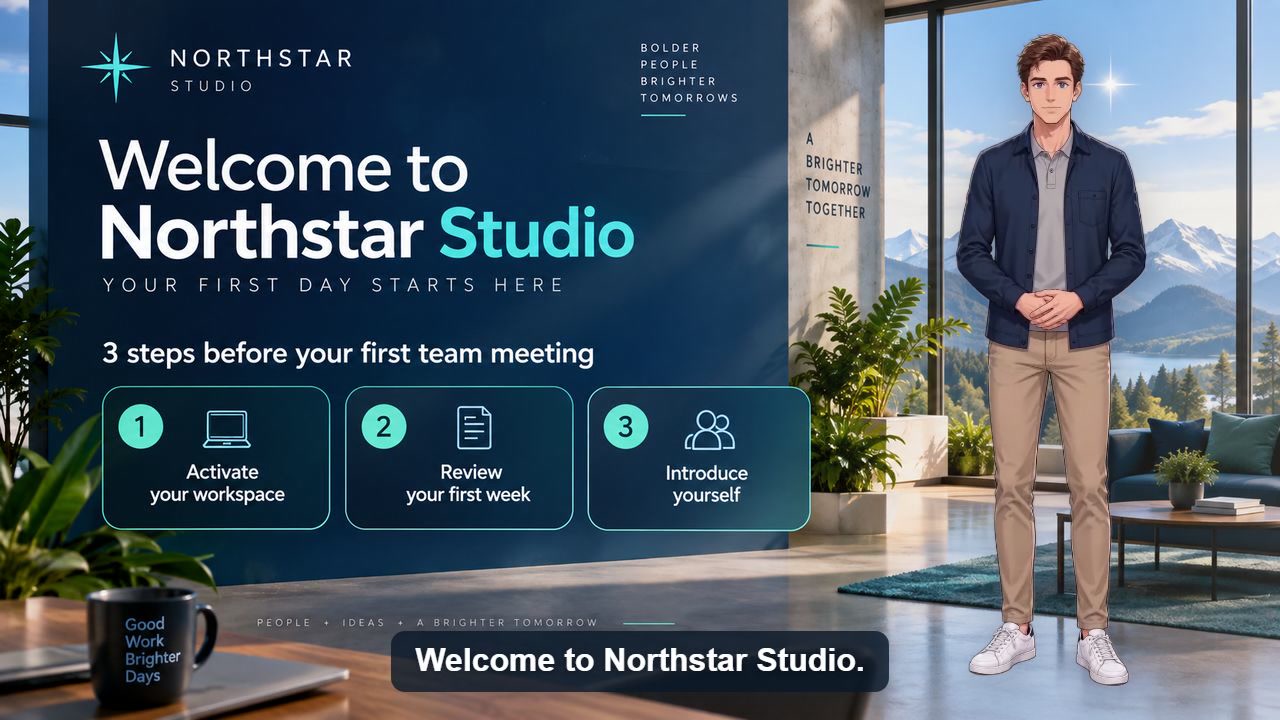
Published example
40 sec · 16:9 · US English male voice
Watch a reusable first-day onboarding video covering account activation, the first-week checklist, team introductions, and employee help.
Watch video and view scriptUse a welcoming presenter and a simple background. Split account setup, first-week tasks and support contacts into focused lessons.
Choose a landscape template with room for screen recordings. Keep the same voice and terminology across modules.
Show the approved summary and effective date. Review the script with the policy owner before publishing.
These are script starters: replace the placeholders and prepare your own visuals. The button loads the script, presenter template and aspect ratio. Set the background, voice and caption style in the editor.
In this lesson, you will learn to [one task]. Sign in to [training tool] with your demonstration account. Open [menu], select [option] and enter [sample value]. Click [button] and check that [success indicator] appears. A common mistake is [mistake]; correct it by [fix]. Now repeat the steps with [practice example].
Visuals to prepare: Show each action as it is narrated, then show the success indicator and practice prompt. Use sample data and check technical terms in the voice and captions.
Before handing off [task], complete these checks. First, confirm [required information]. Next, save [deliverable] in [approved location]. Then notify [responsible role] through [team channel]. The handoff is complete when [confirmation] is recorded. If information is missing, contact [support role] before continuing.
Visuals to prepare: Prepare the approved checklist, a sample deliverable and the confirmation screen. Have the process owner verify the steps and contact details before publishing.
Use-case guide
Training videos work best when the presenter, terminology, and visual structure stay consistent across lessons. Start with a reusable presenter template, add the current process or policy script, and update only the sections that change.
Need the complete workflow from script to finished video? Open the training video maker guide →