Production goal
Show one product improvement, prove it on screen, and give the viewer one next action.
SaaS product demo
Watch Claire present a 34-second SaaS product demo for Flowboard, then reuse the English script, five-scene plan, US voice, and 16:9 setup.
Loads the script, presenter template and aspect ratio. Background assets, voice settings and edited scenes are not loaded automatically; prepare them using the production details below.
Production goal
Show one product improvement, prove it on screen, and give the viewer one next action.
Intended audience
US SaaS product marketing, customer success, and growth teams
Flowboard is a fictional product name created for this finished example.
Final voiceover
“Weekly reporting should not take half your Monday. With Flowboard, your team can connect project data, choose a reporting template, and generate a clear status update in minutes. The new summary view highlights progress, risks, and next steps in one place, so stakeholders see what matters without opening five different tools. Use the filters to focus on a team, project, or date range, then share the finished report with one link. Try the new summary view and turn your next weekly update into a five-minute task.”
Replace the fictional brand, interface details, and final call to action before producing a real customer-facing version.
Scene plan
Visual
Presenter beside the Flowboard weekly summary
Direction
Open with the time-consuming reporting problem.
Visual
Generated interface: connect project data
Direction
Show the first product action as it is mentioned.
Visual
Generated summary view with progress and risks
Direction
Keep the presenter on the right without covering the interface.
Visual
Generated team, project, and date filters
Direction
Match the spoken options to visible filter controls.
Visual
Share-link screen and final product lockup
Direction
Finish with one invitation to try the summary view.
Production assets
More examples
Published example
40 sec · 16:9 · US English male voice
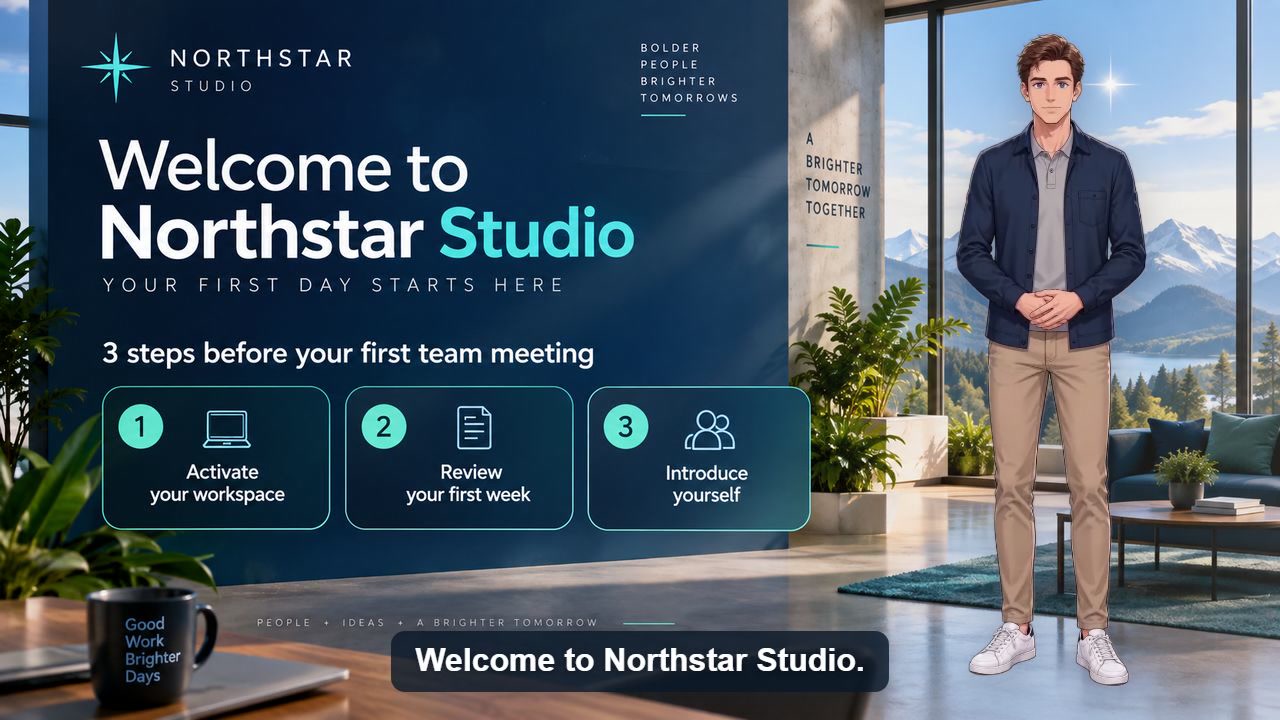
Watch a reusable first-day onboarding video covering account activation, the first-week checklist, team introductions, and employee help.
Watch video and view script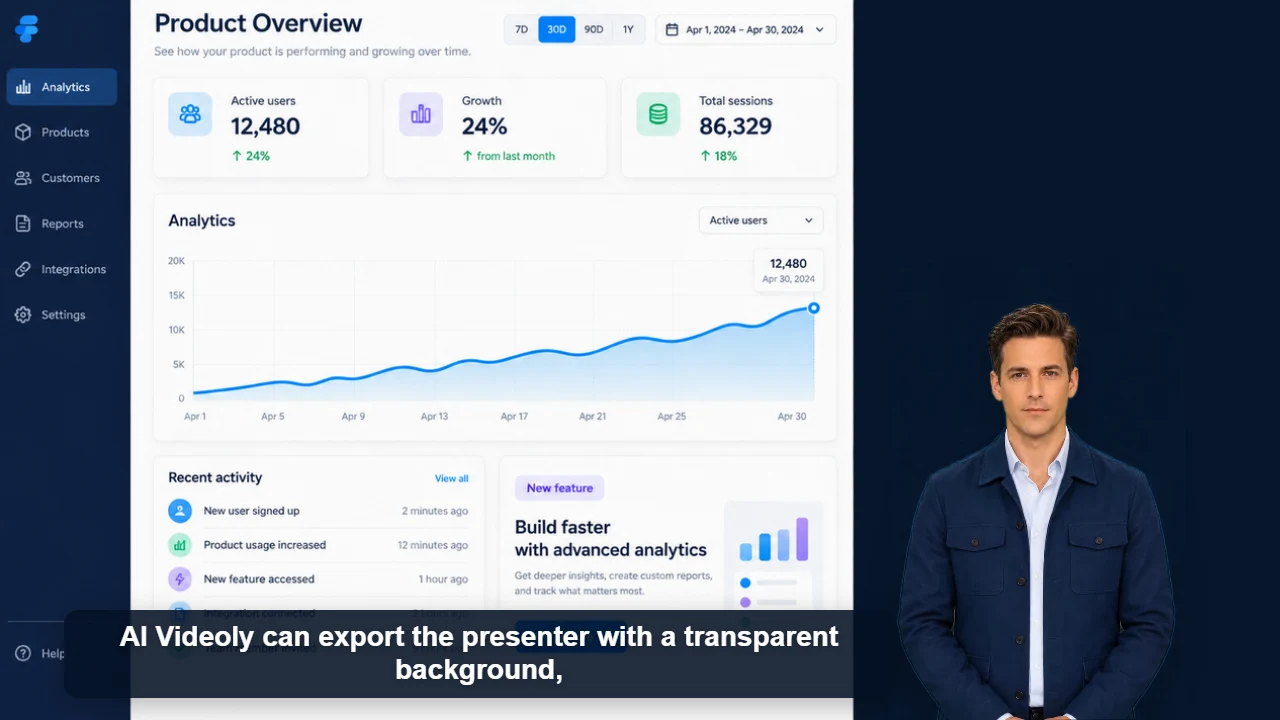
Published example
39 sec · 16:9 · US English male voice
Watch James demonstrate a reusable transparent presenter layer across product demos, tutorials, editing timelines, and livestream layouts.
Watch video and view scriptOriginal characters · Free commercial use
Originality and commercial-use statement
All character images on AI Videoly are original designs. Characters featured in videos generated and downloaded from this website are free for commercial use.