Template library

Free Product Demo Video Templates, Scripts & Examples

Watch a finished SaaS demo and adapt product introduction or software feature scripts. Choose an AI presenter template and add your own product footage.

Use the featured AI presenter

0 scene templates · 0 available AI presenters

No matching presenter templates

Original characters · Free commercial use

Originality and commercial-use statement

All character images on AI Videoly are original designs. Characters featured in videos generated and downloaded from this website are free for commercial use.

Which product demo template should you choose?

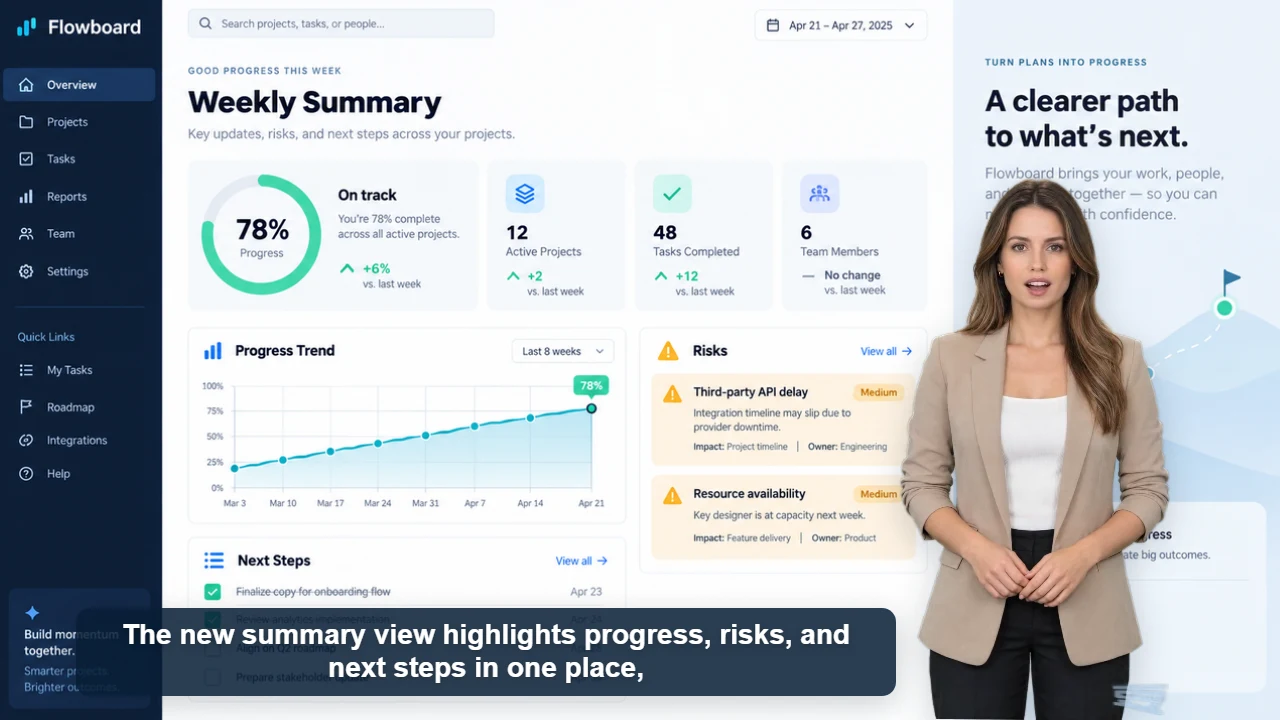
SaaS product demo video with an AI presenter video poster
SaaS product demo

Published example

34 sec · 16:9 · US English female voice

SaaS product demo video with an AI presenter

Watch Claire explain Flowboard's weekly reporting workflow with five original product screens, clear captions, and one focused call to action.

Watch video and view script
  • Software walkthrough

    Choose a landscape template and keep the presenter beside the screen. Use readable screenshots and verify that captions do not cover controls.

  • Physical product introduction

    Use product footage or a detail image as the background. Show the product while the presenter explains one feature.

  • Social product clip

    Choose a template that offers 9:16. Check the whole product, presenter and captions in the vertical preview.

Editable scripts for specific tasks

These are script starters: replace the placeholders and prepare your own visuals. The button loads the script, presenter template and aspect ratio. Set the background, voice and caption style in the editor.

Physical product introduction · 9:16

Meet [product name], designed for [one everyday task]. The [specific feature] lets you [demonstrable action]. Here is how it works: [one usage step]. Take a closer look at [product detail] to decide whether it fits your needs. Visit [product page] for the specifications.

Visuals to prepare: Prepare a full product shot, a close-up of the feature and footage of the usage step. Keep the presenter beside the product and check the vertical crop.

Software feature update · 16:9

Need to [customer task]? In [product name], open [menu] and select [feature]. Choose [setting], then click [action]. You should now see [actual result]. If [common issue] appears, check [specific setting]. Try the feature with [small test task] before using it for your next project.

Visuals to prepare: Record the menu, the action and the resulting screen in order. Use a demonstration account and leave interface controls visible beside the presenter.

Use-case guide

How to create product demo videos with an AI presenter

A useful product demo connects a customer problem to a visible product action. Combine a concise presenter script with product footage, screenshots, or close-up images so every claim is supported by something viewers can see.

Need the complete workflow from script to finished video? Open the product demo video maker guide →

Videos you can create

  • Feature walkthroughs
  • Ecommerce product demos
  • App and software tours
  • New product launch videos

Production tips

  1. 1Start with the customer problem
  2. 2Show the product while describing the benefit
  3. 3Finish with one specific action